CO2 Wall Sensor

A compact CO2, temperature and humidity monitor for Home Assistant. It covers a flush wall box or stands on your desk.
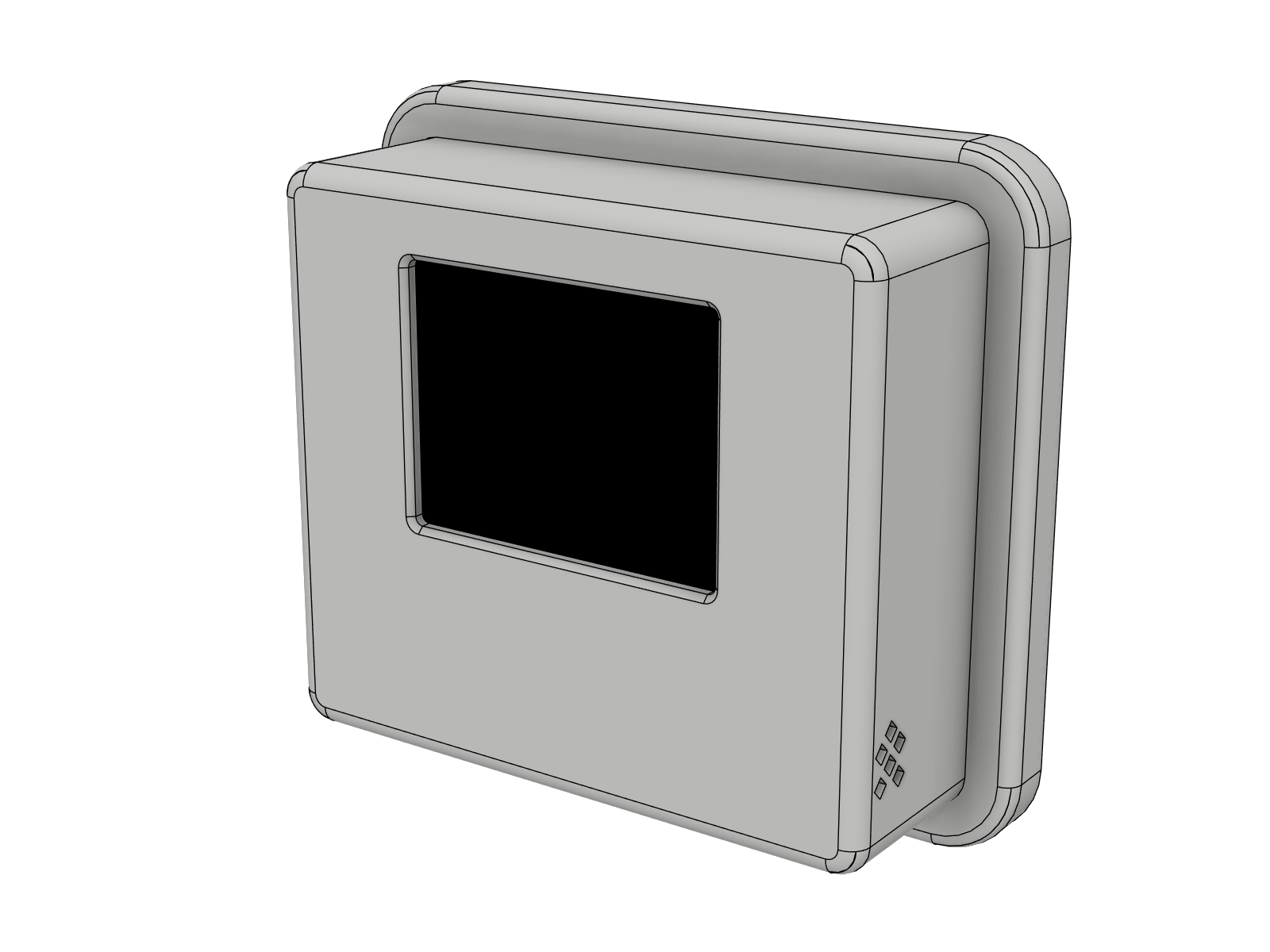
The CO2 Wall Sensor on its wall plate
400 ppm100014002000+
  1. GoodBelow 1000 ppm. Fresh air, nothing to do.
  2. Moderate1000 to 1400 ppm. Concentration starts to drop.
  3. Ventilate!Above 1400 ppm. Open a window now.
Install from your browser

Connect the ESP32-C3 SuperMini with a USB-C cable and click the button. Works in Chrome and Edge on desktop computers. No ESPHome installation needed.

Your browser cannot talk to USB devices. Open this page in Chrome or Edge on a computer. The installer needs a secure connection (https).

Prefer German names on the display and in Home Assistant? Use the German page.

  1. Install

    The firmware is flashed in about a minute. It contains no passwords.

  2. Connect to WiFi

    Choose your network in the same window. Without a computer: join the hotspot "CO2 Wall Sensor" with your phone.

  3. Add to Home Assistant

    Home Assistant finds the sensor by itself. Confirm it under Settings, Devices.

  4. Stay up to date

    New releases appear as a firmware update in Home Assistant. One click installs them.

Everything on one screen

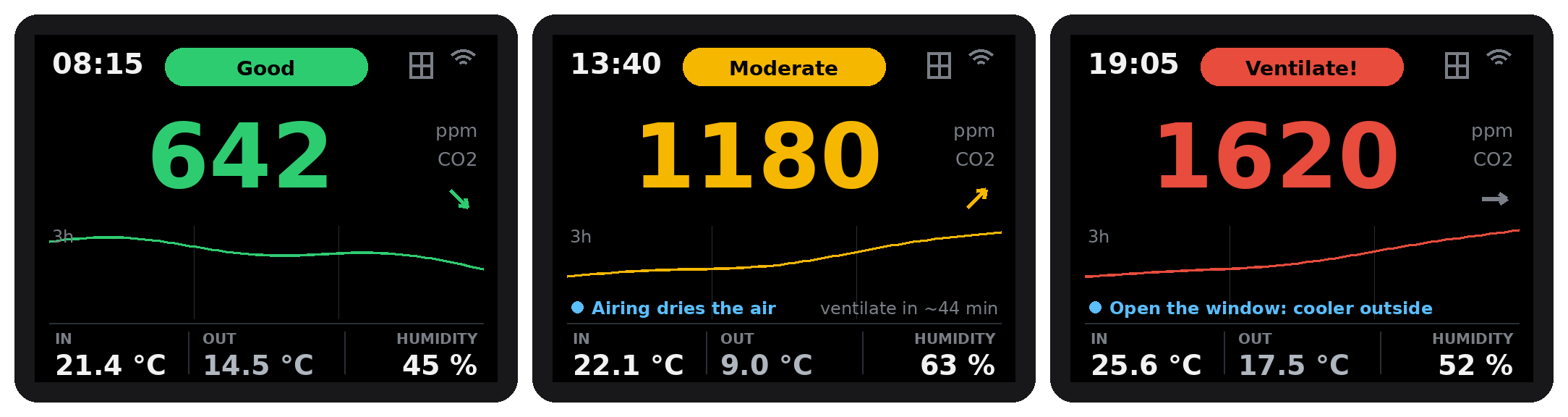
Air quality, CO2 with a three hour trend, indoor and outdoor temperature, humidity, the time and a hint when an open window cools or dries the room. With window contacts it shows when you are airing, when the air is fresh again and when the room cools down. At night it dims or switches off, as set in Home Assistant.

The display in the three air quality levels

Print the enclosure

The plates contain every part in its print orientation. Open them in PrusaSlicer, OrcaSlicer, Bambu Studio or Cura and print in PETG. Everything is screwed with one screw type into heat-set inserts, nothing is glued.

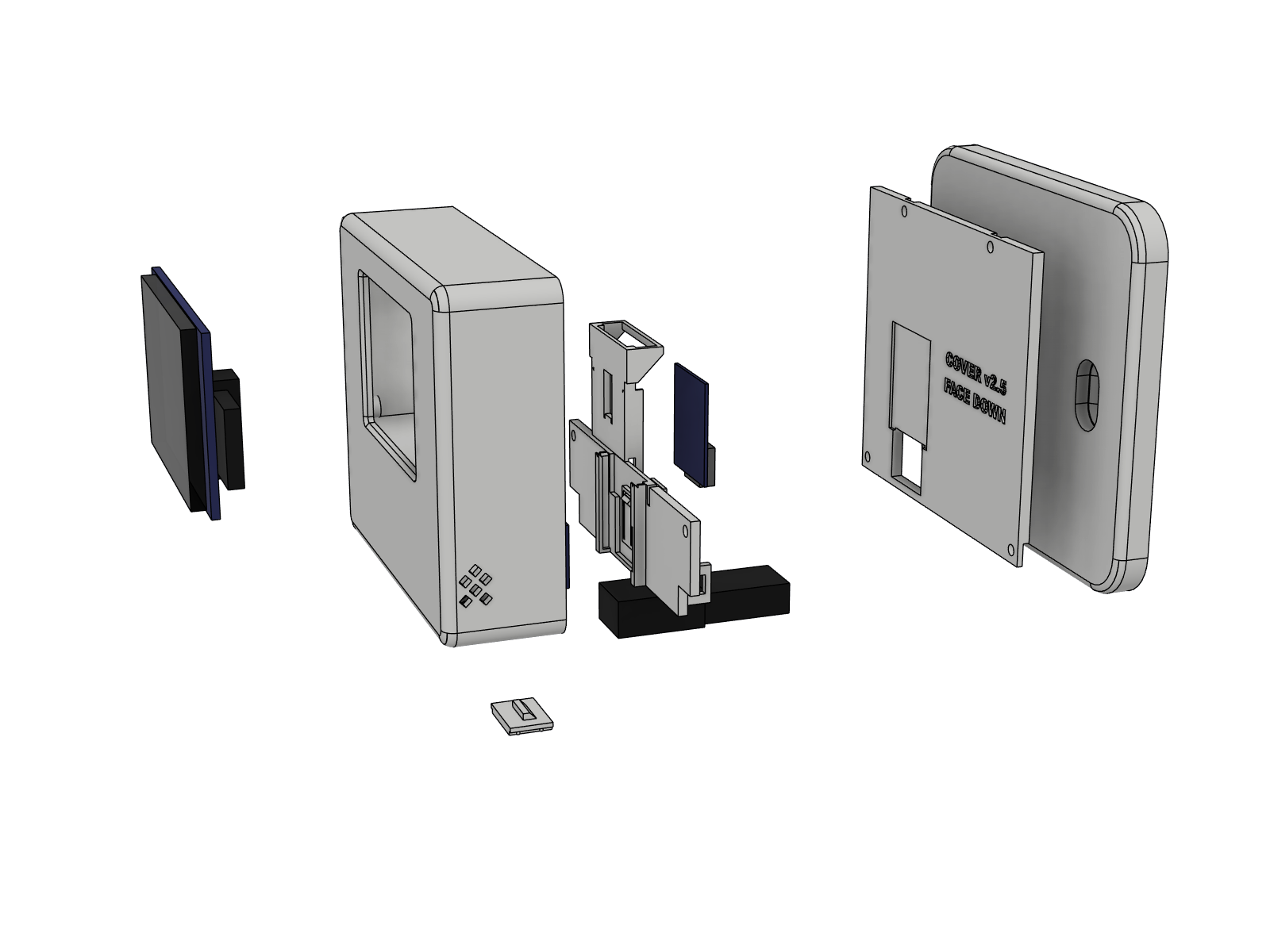
Housing, sensor carrier with ESP32-C3, USB-C adapter and back cover
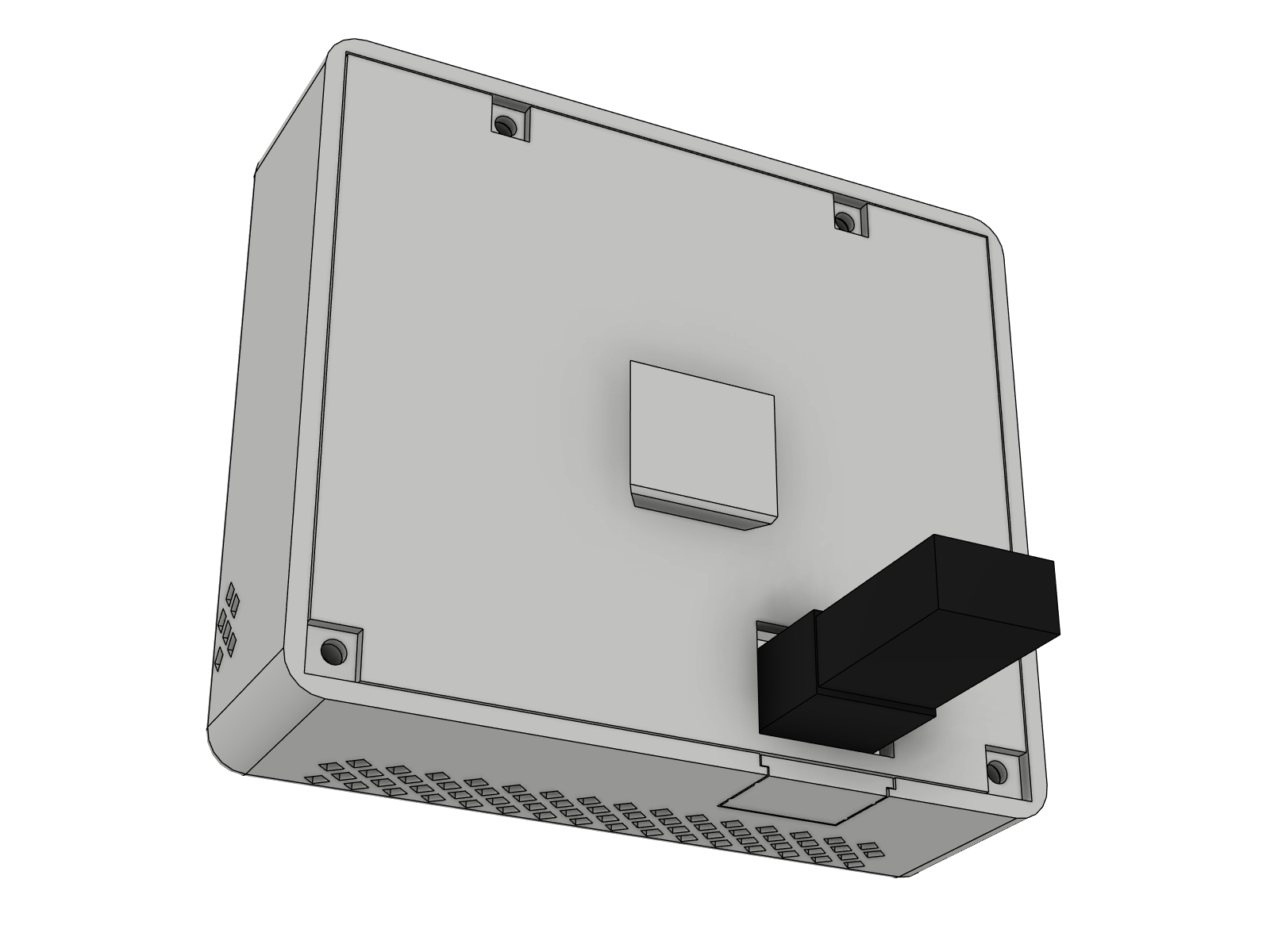
Cable to the back through a 90° adapter, into the wall box
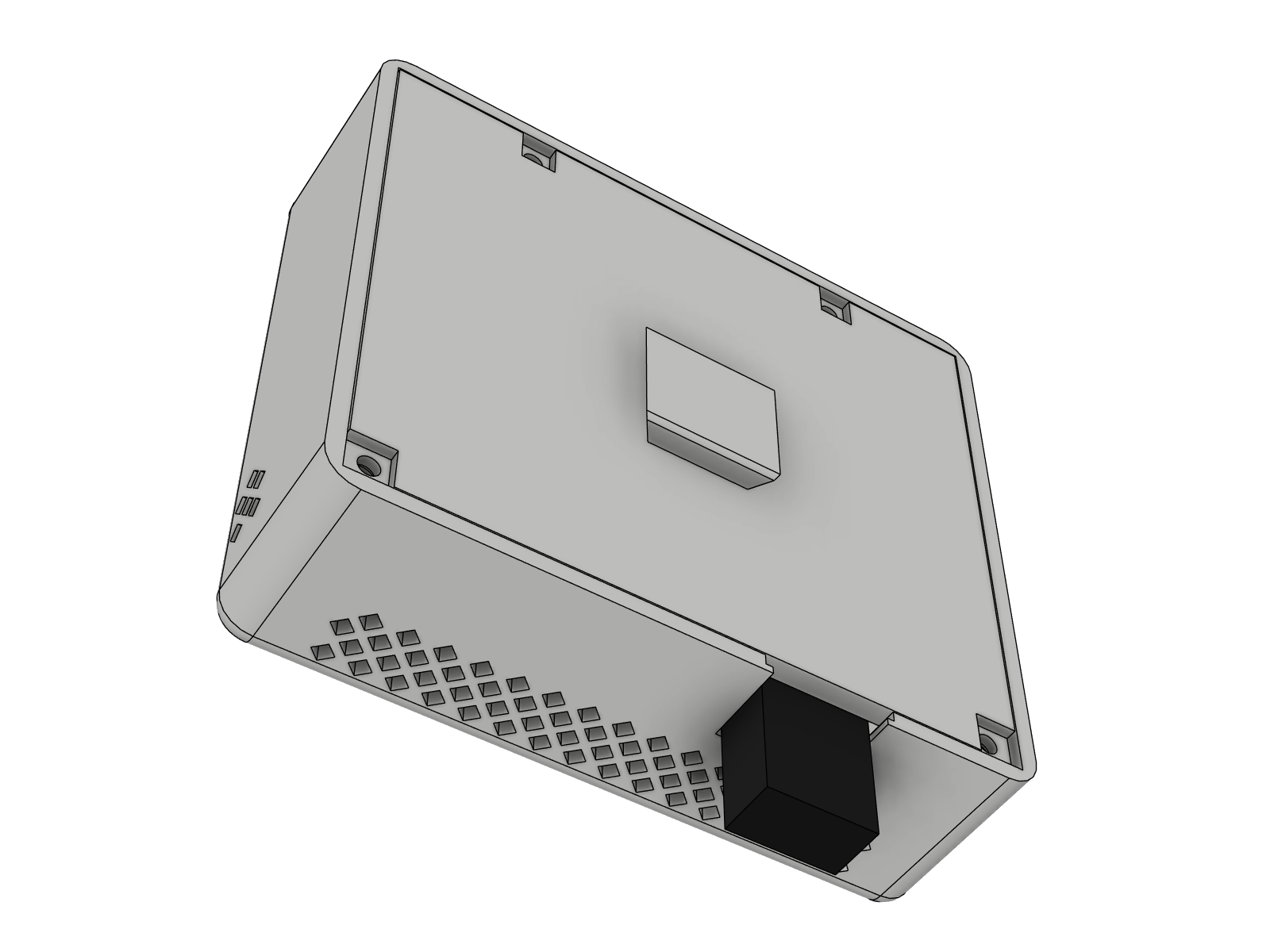
Straight cable through the bottom window, on the wall surface
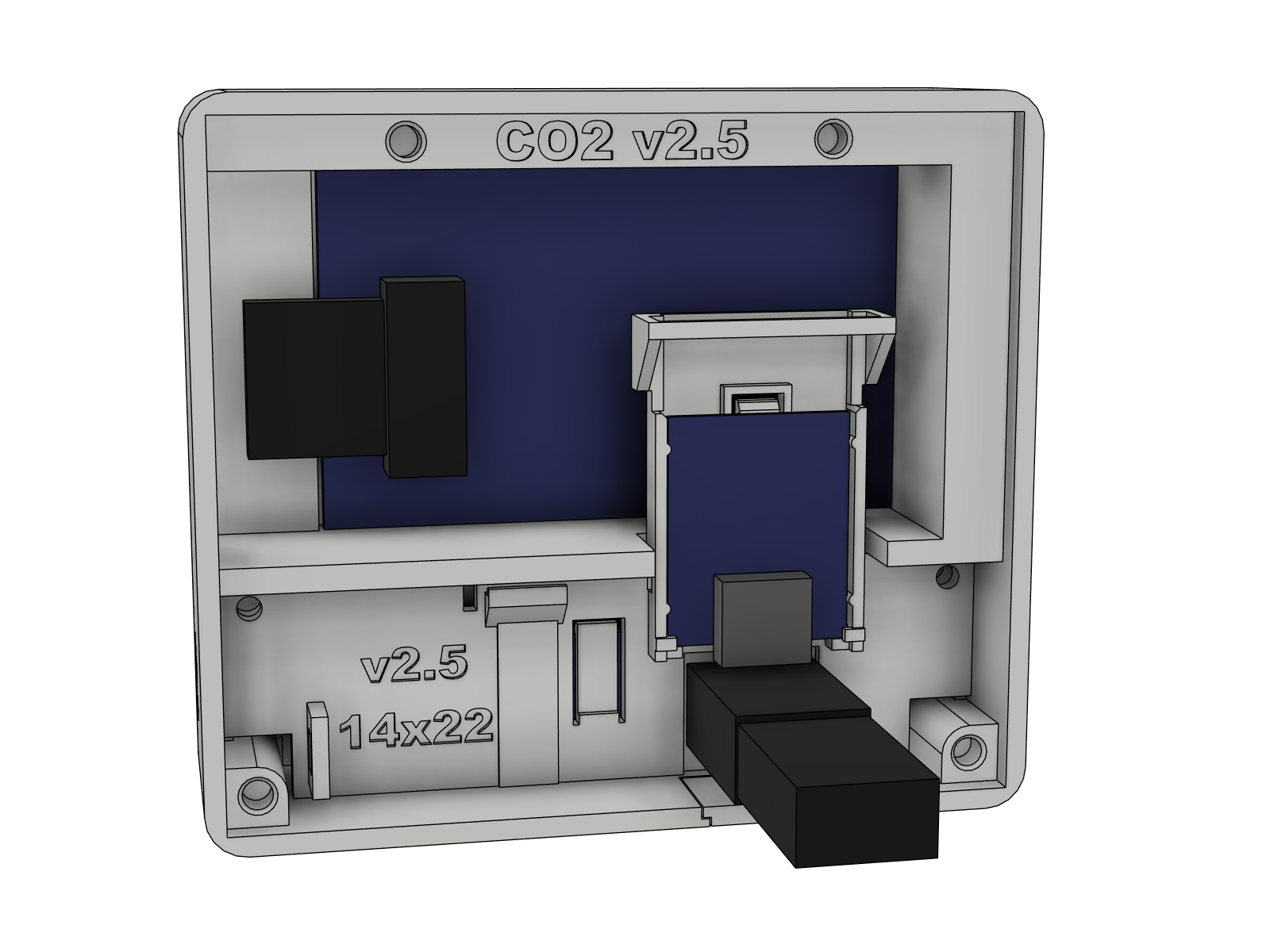
Inside: display, ESP32-C3 and USB-C adapter
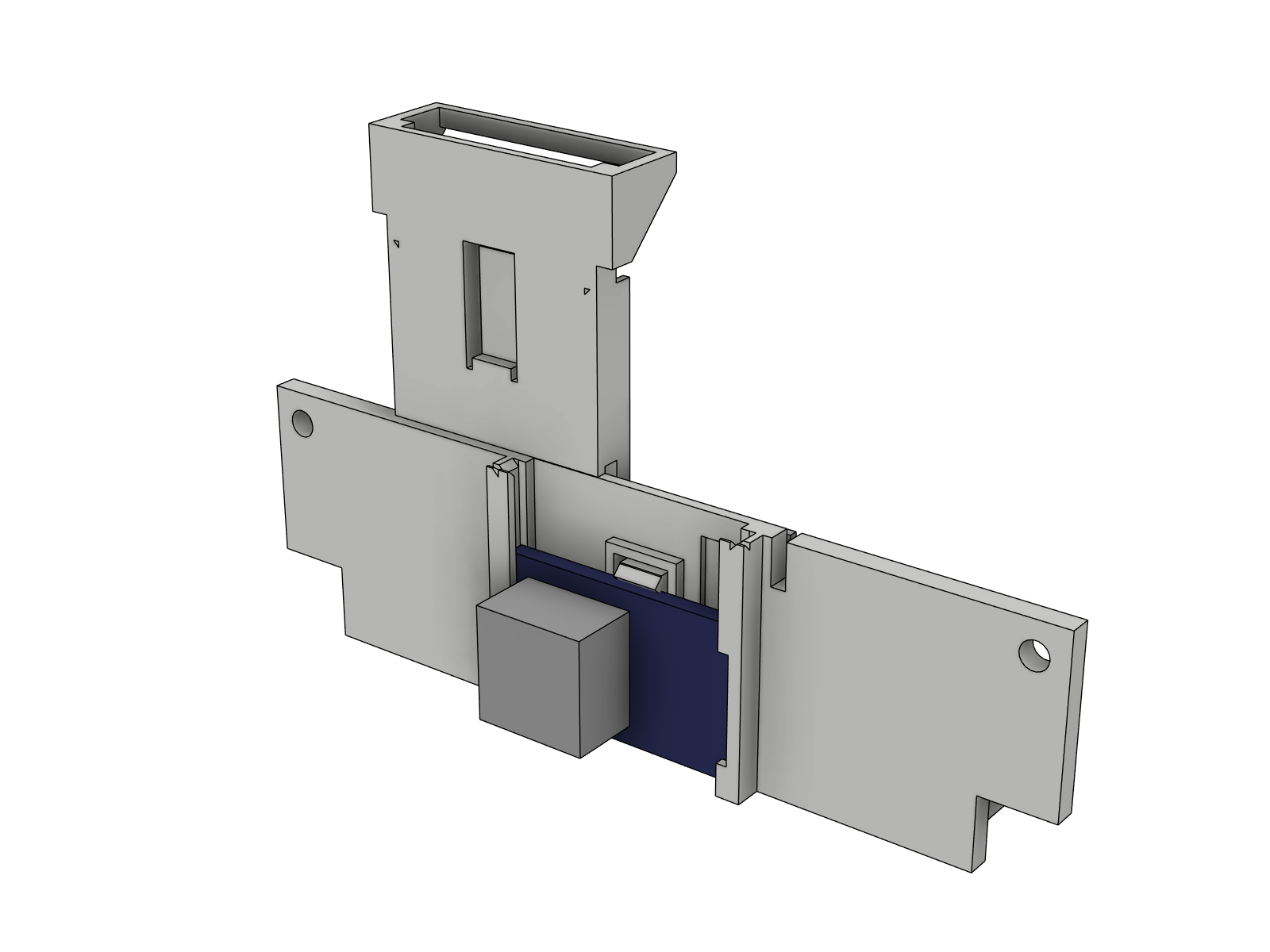
The SCD41 slides into rails
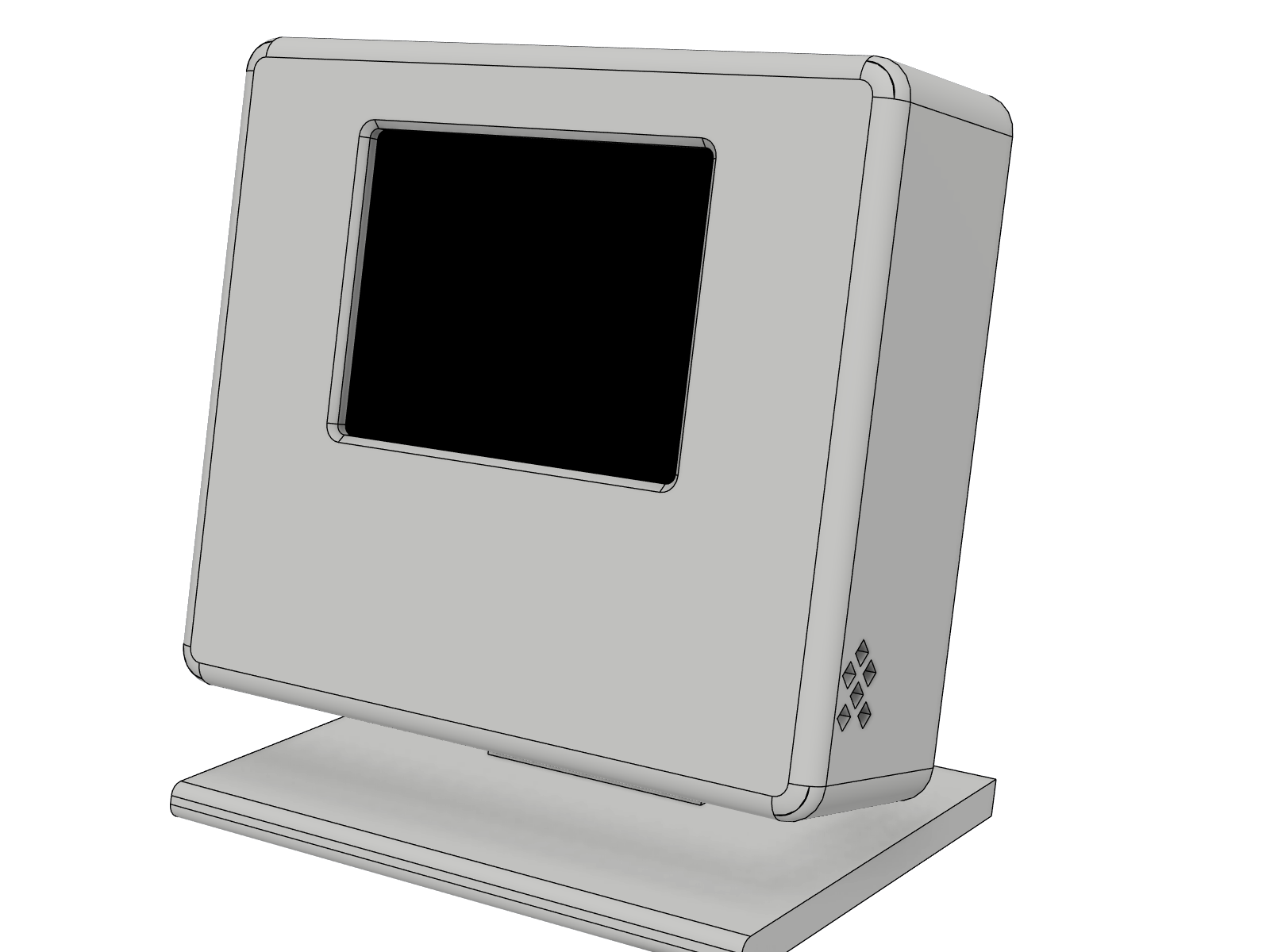
On the desk stand

What you need

About 55 euros of parts for one device. Pick the shop you like, the links are suggestions.

QtyPartAliExpressAmazon.de
1Sensirion SCD41 breakout, 13.5 × 21.75 mm or 15 × 20 mm ²21.19 €AliExpress only
1ESP32-C3 SuperMini2.79 €4.30 € (2 pcs: 8.59 €)
1Waveshare 2inch LCD Module (ST7789V, 240 × 320)12.49 €16.31 €
10Heat-set insert M2 × 3, outer diameter 3.0 or 3.2 mm, length 3 mm2.39 € (50 pcs, OD 3.2)4.69 € (205 pcs, OD 3.0)
10Button head screw M2 × 4, ISO 7380Amazon only4.79 € (60 pcs)
1USB-C 90° adapter (plug to socket) for the cable to the backAmazon only4.49 €
1USB power module for the flush wall box (installation by a qualified electrician), or any USB chargerAmazon only4.80 € (2 pcs: 9.59 €)
Silicone wire AWG 30Amazon only15.49 € (8 colours)
Total (one device, each part from this shop if it has it, otherwise from the other; without wire and filament)52.94 €60.57 €

Prices as checked in October 2026, they change often. Two sensor carriers fit the 13.5 × 21.75 mm and the 15 × 20 mm SCD41 board.

Documentation

Step by step assembly, wiring, Home Assistant setup, the reasons behind the design and answers to common questions.